
Convert WebM to MKV Free & Private
Drop your WebM Video below — converts entirely in your browser using WebCodecs or ffmpeg WebAssembly. Your file never leaves your device.
About WebM and MKV
WebM Video
Open video format optimised for the web using VP8/VP9. Ideal for HTML5 video.
Matroska Video
Flexible open container supporting multiple audio tracks and subtitles.
How it works
-
1Drop your file
Drag & drop a WebM file onto the converter, or click to browse. Nothing is uploaded.
-
2Engine loads once, converts instantly
On first use, the conversion engine downloads and caches in your browser. When WebCodecs is available the browser uses hardware acceleration; otherwise it falls back to ffmpeg WebAssembly.
-
3Download the result
The converted MKV file is ready to download directly to your device.
When to convert WebM to MKV
Content Creators
Convert footage between formats for editing, publishing, or uploading to different platforms — all without leaving your browser.
Privacy-Sensitive Files
Convert personal videos, voice memos, or confidential recordings without uploading them to any cloud service. Nothing leaves your device.
Archive & Compatibility
Re-encode old media files to modern formats for long-term archiving or compatibility with new devices.
Audio Extraction
Extract audio tracks from video files to MP3, AAC, WAV, or other formats with a single drag & drop.
Why privacy matters for file conversion
Most online converters upload your files to remote servers where they may be scanned, stored, or shared. This tool is different — the conversion runs in your browser via WebAssembly or the WebCodecs API. Your files stay on your device. Always.
Brought to you by
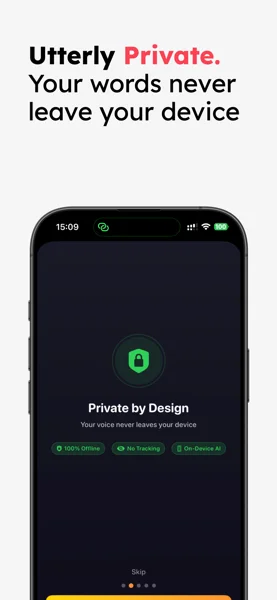
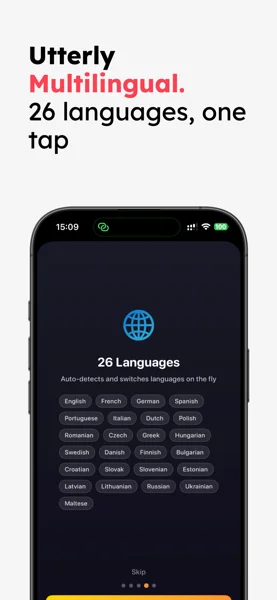
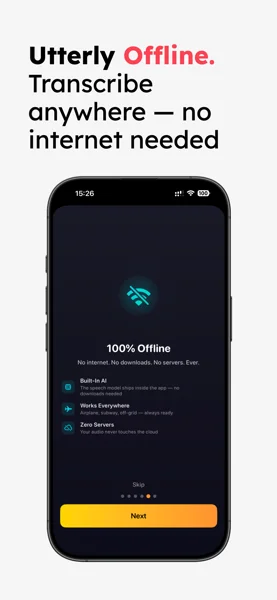
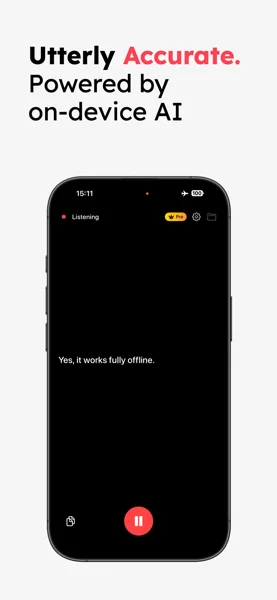
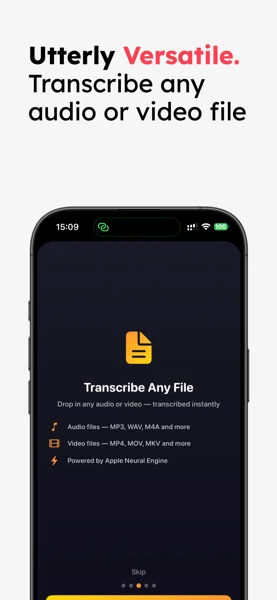
Love keeping your files private? Utterly brings the same philosophy to audio. Transcribe meetings, lectures, and voice memos — entirely on your iPhone, iPad, or Mac.
Frequently asked questions
Yes, completely free with no file limits. The conversion engine runs directly in your browser — we have zero server costs for processing, so we can offer it at no charge.
Your file never leaves your device. The conversion engine runs 100% in your browser using WebAssembly or the WebCodecs API. We have no access to your files — no uploads, no logs, no data collection whatsoever.
On desktop browsers (Chrome, Firefox, Edge) files up to 500 MB convert reliably. On Safari (macOS) the practical limit is around 200 MB. On iPhone and iPad, keep files under 50 MB — iOS enforces tight memory limits for browser-based processing.
On your first visit, the browser downloads the conversion engine (24–50 MB depending on which backend is used). This is cached locally, so subsequent conversions load much faster.
Chrome, Edge, and Brave use hardware-accelerated WebCodecs when the format is supported — this is 5–10× faster than software encoding. For unsupported formats the tool falls back to ffmpeg.wasm, where Firefox typically performs best.
Utterly is a privacy-first transcription app for Apple devices. It uses on-device AI to transcribe and translate audio — no cloud, no subscription required to start. This free converter is brought to you by the Utterly team.